Available now
Mac
Room for the whole picture.
macOS 13 or later v1.0.1

 GreenDay
A calmer place for tasks & notes
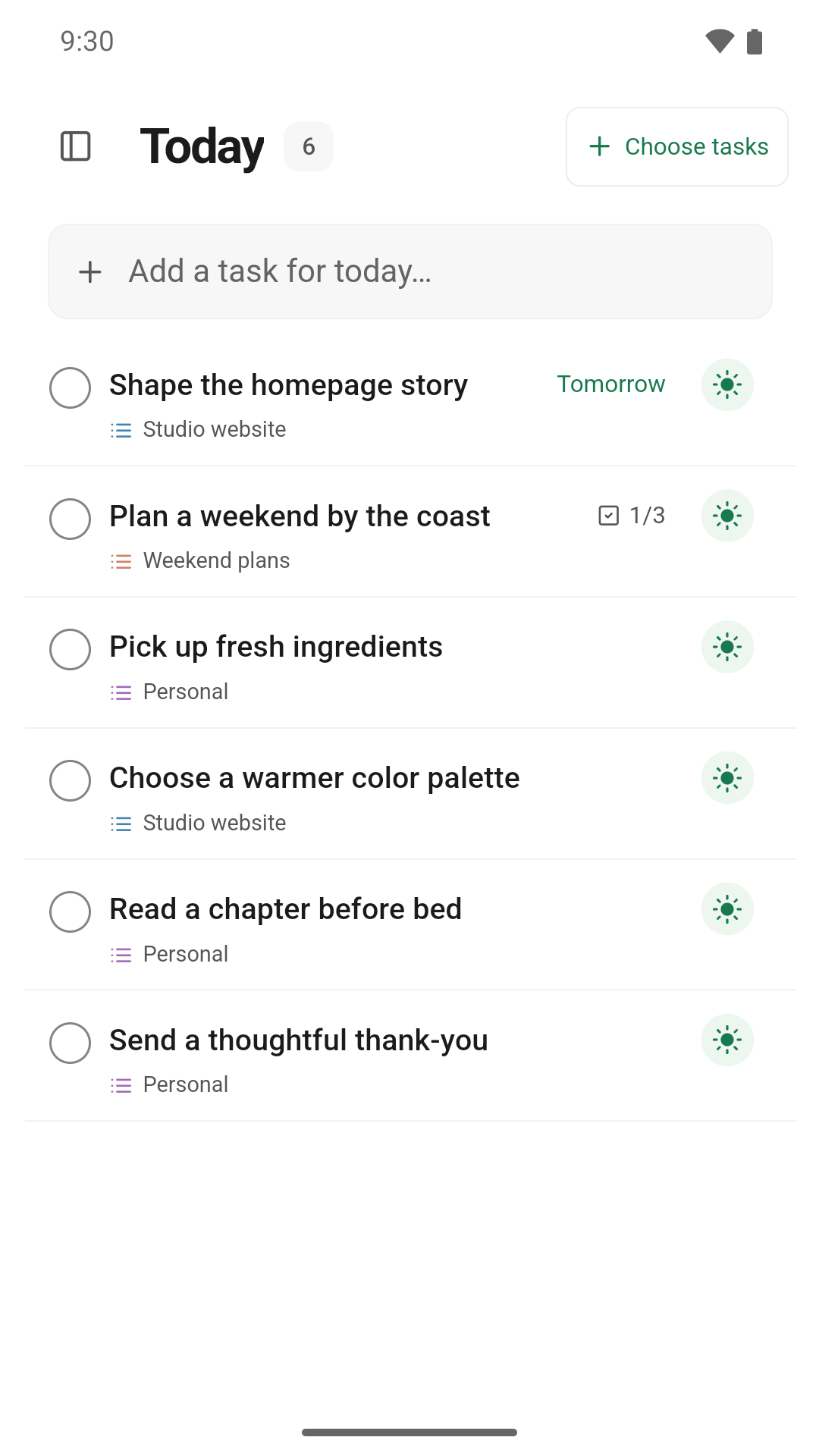
Choose what matters today. Keep your plans, notes, and little next steps together.

AT YOUR DESK. ON THE GO.
One place to find the app
for your favorite devices.
Room for the whole picture.
macOS 13 or later v1.0.1
Your plans, close at hand.
Also made for iPad.
 APK available
A little focus, wherever you are.
v1.0.3 · Android 8 or later · 4.7 MB
Signed direct download. Installation details ↗
A home for work and everything else.
v1.0.3 · 64-bit · 113.6 MB
Unsigned preview. Before you install ↗
Version 1.0.3 is available as a Windows preview and a signed Android download. Mac and iPhone App Store updates follow separately.
SMALL STEPS. SPACE TO THINK.
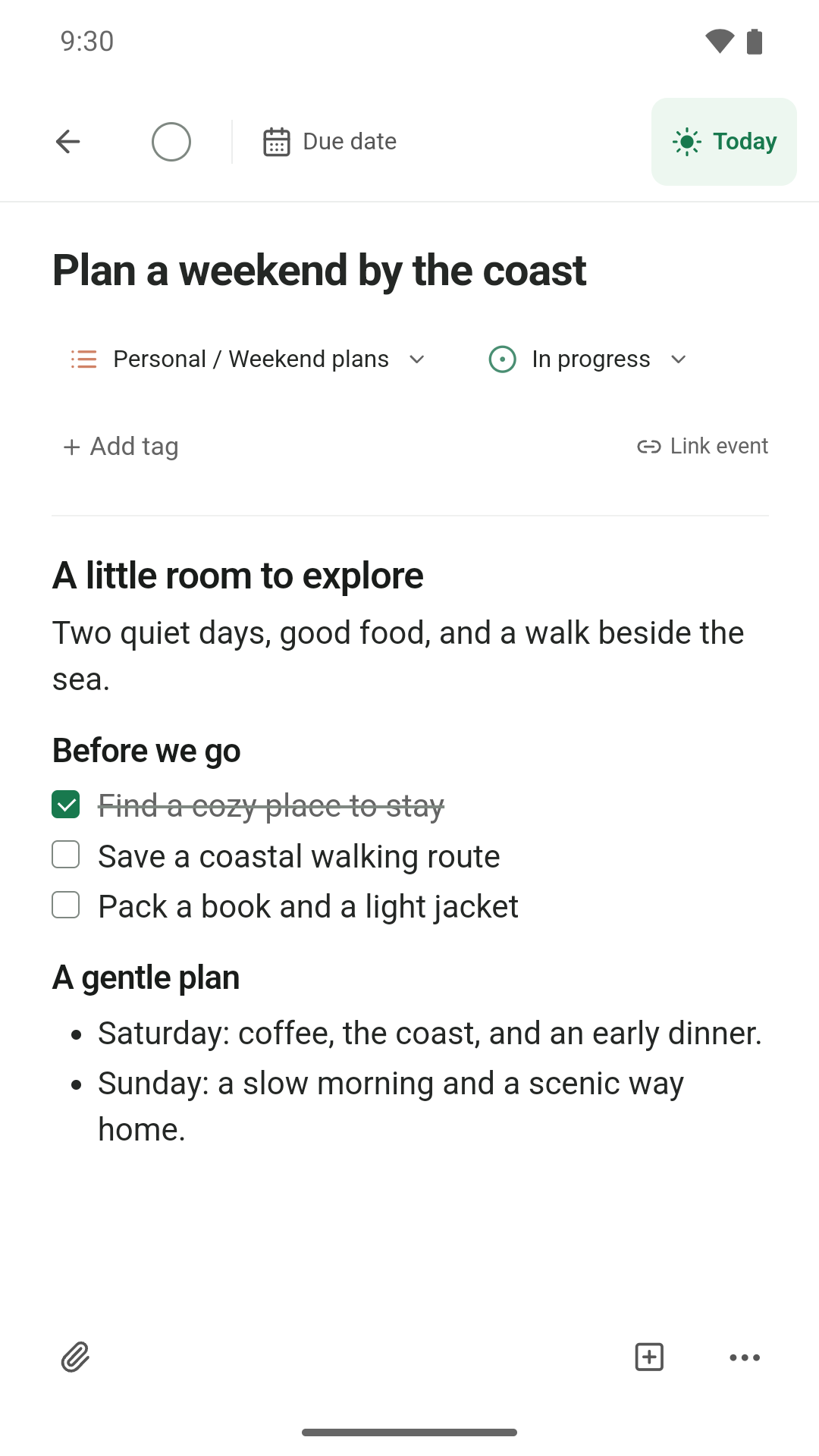
A task can be a quick reminder or the start of something bigger. Give it just the space it needs.
Pick your focus without changing your deadlines. Keep what matters in sight.
Notes, checklists, images, and documents live right alongside their task.
Organize with nested lists, color, and board views. Make room for work and life.
Start locally and work offline without registering. In v1.0.3, create a GreenDay account to sync your tasks across devices with GreenDay Cloud. No ads or analytics.
Learn about GreenDay CloudGreenDay 1.0.3 for Windows and Android includes GreenDay Cloud. Sign into the same GreenDay account on devices running v1.0.3 to sync tasks and attachments. Mac and iPhone App Store updates follow separately. Read the cloud-sync guide.
GreenDay shares the same core tasks, notes, lists, and boards across its four platforms. Calendar account connections are available on Mac and iPhone; Android and Windows show task deadlines in Calendar. Availability also depends on your installed version.
The Windows preview and signed Android APK are available now. iPhone App Store and Google Play releases are being prepared. Store updates can arrive at different times; download links will appear here when each release is ready.
Visit GreenDay support for help getting started, or email hominot@gmail.com with a question or suggestion.